
1 video
$9.99 USD
$9.99 per video
- Two photos per video
- 15 sec · 9:16 · 720p MP4
- Reference music included
- Private order and email link
- Unused credits never expire
TWO PHOTOS. ONE NEON DUET.
Your two dancers. The NEON moves.
Turn two adult full-body photos into a 15-second NEON duet with music. Choose who starts in front and behind; the reference dance guides the moves. No prompt or account needed.
From $9.99 · One-time payment · No login · Email delivery
START WITH YOUR TWO PHOTOS
Photo 1 starts at the front. Photo 2 starts behind. Use a different consenting adult in each photo.
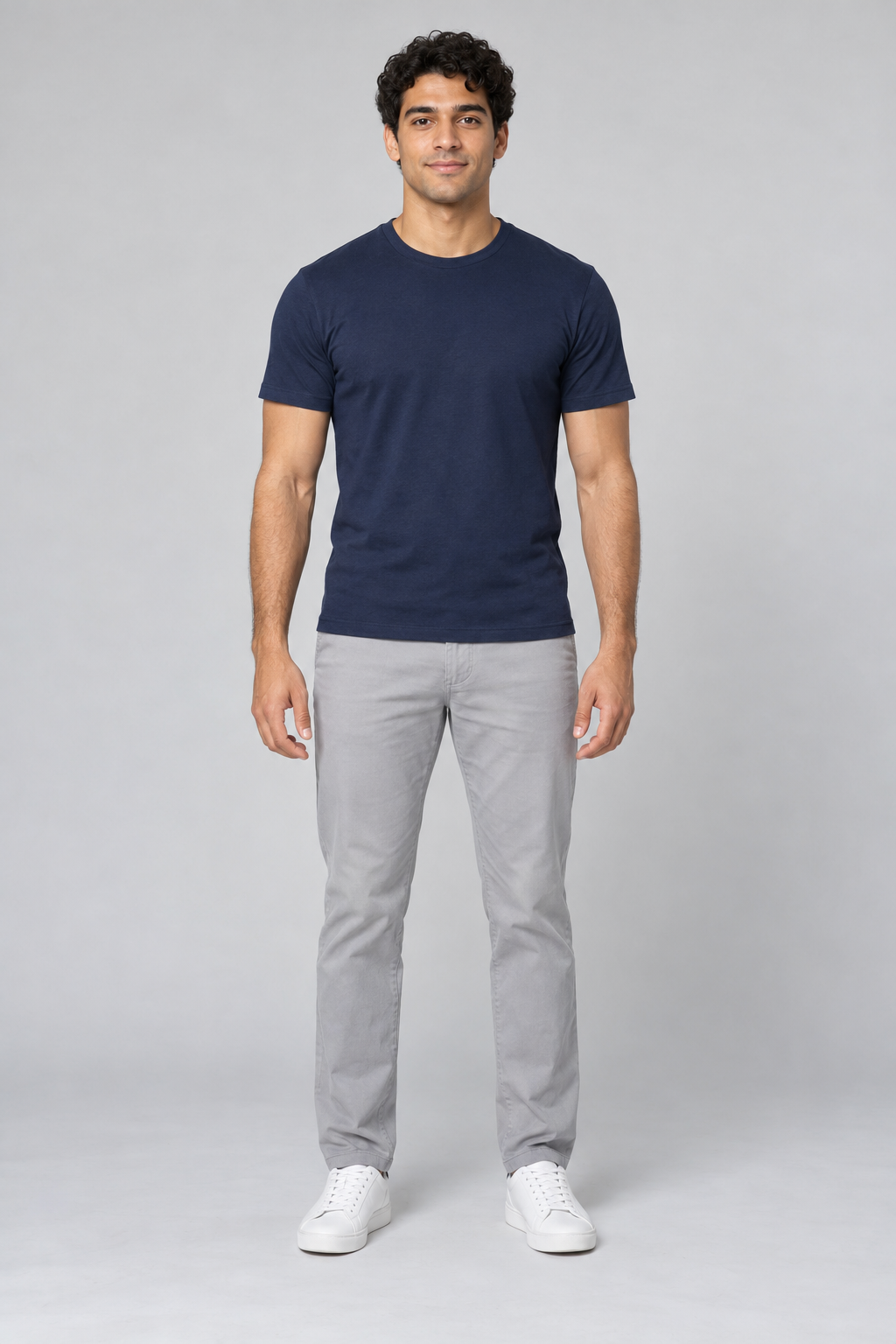
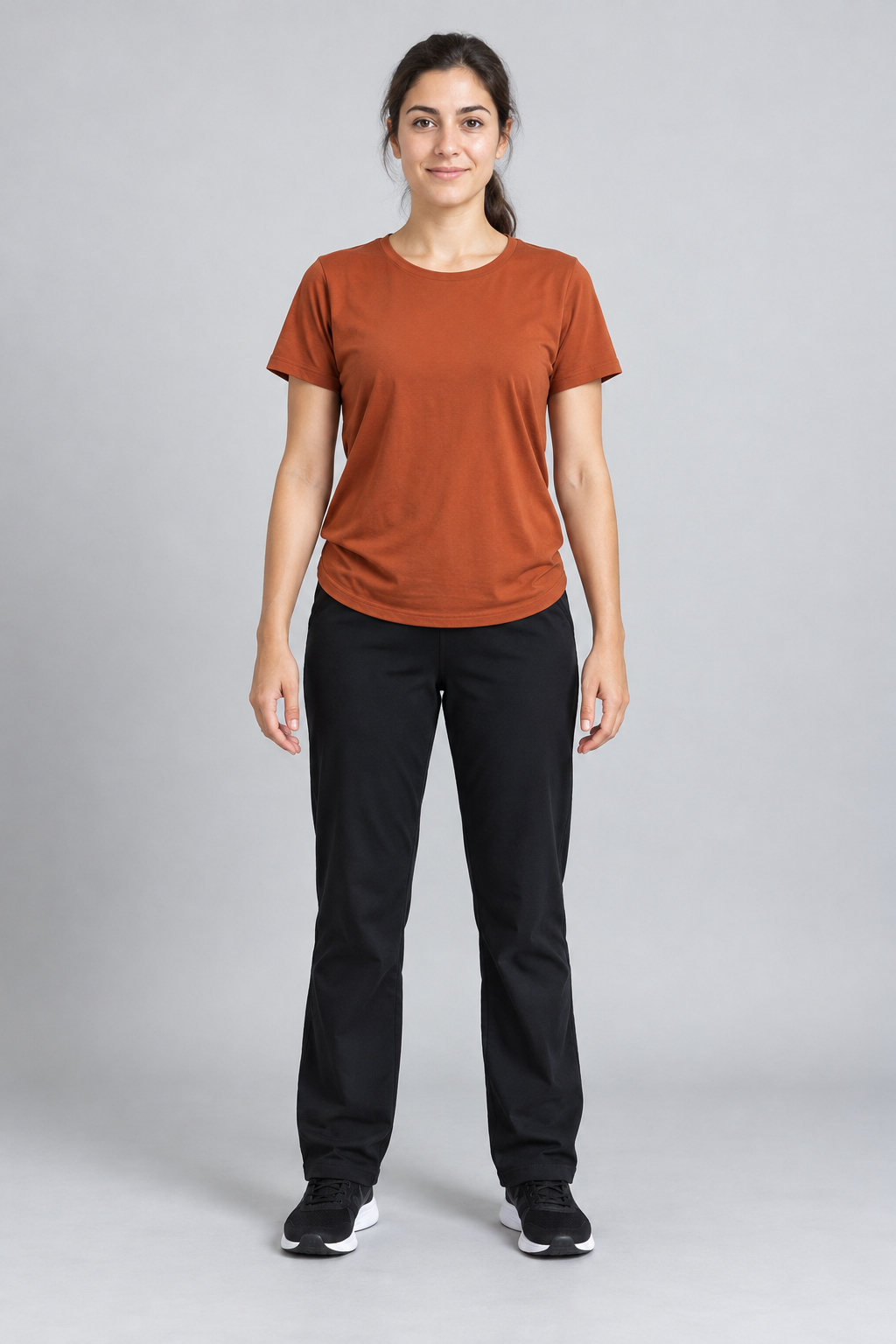
01 / CHOOSE TWO DANCERS
Two full-body photos. One 15-second NEON dance.
One person per photo, full body visible from head to shoes.
One person per photo, full body visible from head to shoes.
Use two different photos with clear faces and complete bodies. Photo 1 starts in front; photo 2 starts behind. Check both previews before continuing.
Watch and download your video on your private order page or use the link in your email. Only upload photos you have permission to use.
The A2O Lite NEON duet in our reference starts with one dancer in front and another behind, then moves through turns, head flicks, knee bends and a high kick. Create an AI version with two adult photos and music included. If you searched “A20 Lite Neon dance”, A2O uses the letter O.
Read about the dance →TWO PHOTOS TO ONE DUET
Upload one full-body photo per person. Photo 1 starts in front; photo 2 starts behind.
Confirm both photos and your email, then choose a one-time pack. No account or prompt is needed.
Payment confirmation starts generation. Return to your private order page or email link to download the MP4.
YOUR TWO DANCERS
Use two different adult subjects, one per photo, facing the camera with feet in frame. Photo 1 maps to the opening front dancer and photo 2 to the dancer behind.
Good light, a simple background and distinct outfits help separate the two people. Avoid sunglasses, motion blur, group shots and heavy filters.
JPG, PNG or WebP, up to 10 MB each. Upload one adult per photo, with both people’s permission.
The two photos guide each dancer’s face, hair and clothes. The opening assignment keeps their roles clear, but AI can still blend or change details.
The same NEON duet guides every video’s choreography and framing. Your photos provide the people and their outfits.
Watch faces during turns, hair during quick movement, hands when bodies overlap and feet during kicks. The result is newly generated and cannot match every frame.
Keep your order link private and download a local copy within 30 days. Unused paid credits do not expire. If a link expires, contact support from the email used at checkout.
Privacy and storage details →PAY ONCE. DANCE TOGETHER.
Every credit makes one new 15-second, 9:16, 720p MP4 with the reference music, from two photos. No subscription or account. The public 480p example shows the effect, not a 720p test.
$9.99 per video
$8.33 per video
$7.00 per video
A new version uses another credit, even with the same photos. Confirmed generation or audio failures return the attempt’s credit; this is not an automatic refund.
Pricing and delivery details →BEFORE YOU MAKE IT
Upload two clear full-body photos of adults: photo 1 is the dancer at the front at the start, and photo 2 is the dancer behind. Enter your email and choose a pack. Generation starts after payment is confirmed; no account or prompt is needed.
Use one adult per photo, facing the camera, with the entire body and feet visible. Choose good light and uncluttered backgrounds. Avoid group photos, hidden faces, heavy filters and cropped limbs. Upload only photos you are allowed to use.
The photos guide identity and clothing; the reference guides motion and framing. AI can change faces, hair, hands and outfits, especially during turns or when dancers overlap. Positions refer to the opening frame, not a promise that a person stays in front throughout.
Paid videos are 15-second, vertical 9:16, 720p MP4 files with the first 15 seconds of the reference audio. The audio starts at the beginning without looping or stretching. AI motion and beat alignment can vary. The public generated example is 480p, not a 720p quality test.
Examples and guides are free to view. Personal generation costs $9.99 for 1 video, $24.99 for 3 or $69.99 for 10, in USD. There is no subscription or free personal preview. Each new video uses one credit, including another version from the same photos.
Time depends on the provider queue, generation and audio processing. There is no guaranteed completion time. After payment is confirmed, processing continues if you close the page. Check your private order page and the delivery email.
Use the order saved in this browser or your email link. Anyone with that link can access the order, so keep it private. Finished videos remain for 30 days; email links last 30 days from issue. Unused paid credits do not expire. Contact support from your checkout email if access expires.
A confirmed video or audio-processing failure returns that attempt’s credit once so you can retry. A result still under review is not yet a confirmed failure. A returned credit is not an automatic cash refund. Contact support with your order reference for refund requests.
Your two photos are used to generate the video and are not automatically made public. Photos remain in our storage for up to 7 days; browser drafts expire after 24 hours. KIE processes the generation inputs, and FAL processes the generated video and reference audio under their own retention terms.
Download the MP4 and check both dancers and the full soundtrack before sharing. You upload it yourself. Follow the destination platform’s audio and AI-labeling rules. The service fee does not include licenses for third-party music, choreography, footage or likenesses.
Choose English, Simplified Chinese, Japanese or Korean before checkout. The order and delivery emails use the language selected when you place the order.
Understand the duet, the A2O/A20 spelling and what an AI version changes.
02 ↗Choose two photos, assign the opening positions and receive your video.
03 ↗A reference-led prompt and tips for faces, hair, clothing and overlapping dancers.